
ABN AMRO Zakelijk op Rekening
Payment plugin for Magento 2.3.3+
To make the integration process as easy as possible for you, we offer an easy integration using this Magento 2 Plugin. Before you start up the installation process, we recommend that you make a backup of your webshop files, as well as the database.
Installation
The ABN AMRO plugin is distributed as a downloadable zip that Composer installs from a local path. Requiring it pulls in the base Two payment engine automatically, so you never install the engine separately.
Base checkout (Luma)
- Download
magento-abn-plugin.zipfrom the latest release and unpack it into a localpackages/directory in your Magento root:
mkdir -p packages
unzip magento-abn-plugin.zip -d packages/magento-abn-plugin
- Register that directory as a Composer path repository and require the plugin. Composer resolves the
two-inc/magento2engine from Packagist automatically:
composer config repositories.abn-amro-plugin path packages/magento-abn-plugin
composer require "abn-amro/magento-abn-plugin:^2.0"
- Enable the modules, run the upgrade and clean the caches:
php bin/magento module:enable Two_Gateway ABN_Gateway
php bin/magento setup:upgrade
php bin/magento cache:flush
- If Magento is running in production mode, you also need to redeploy the static content:
php bin/magento setup:static-content:deploy
- After the installation: Go to your Magento admin portal and open Stores → Configuration → Sales → Payment Method → ABN AMRO Zakelijk op Rekening
Hyvä checkout (only if your storefront uses a Hyvä theme)
The steps above enable the payment method on the standard (Luma) checkout. If your storefront runs a Hyvä theme, install the ABN AMRO Hyvä overlay too — it pulls in the Two Hyvä engine automatically — and rebuild your theme's Tailwind CSS, otherwise the Hyvä checkout will not be styled correctly.
Prerequisite: the Hyvä overlay depends on the Two Hyvä engine, which in turn requires the private
hyva-themes/*package. Make sure your existing Hyvä Composer credentials are configured in yourauth.json— the same ones any Hyvä extension needs.
- Download
magento-abn-hyva-extension.zipfrom the release and unpack it alongside the Luma package:
unzip magento-abn-hyva-extension.zip -d packages/magento-abn-hyva-extension
- Register it as a path repository and require it. This pulls in the Luma overlay above and the
two-inc/magento2-hyva-checkoutengine:
composer config repositories.abn-amro-hyva path packages/magento-abn-hyva-extension
composer require "abn-amro/magento-abn-plugin-hyva:^2.0"
- Enable the Hyvä modules, register them with Hyvä, then rebuild your Hyvä theme's Tailwind CSS (replace the path with your active theme's
web/tailwinddirectory):
php bin/magento module:enable Two_GatewayHyva ABN_GatewayHyva
php bin/magento hyva:config:generate
npm --prefix app/design/frontend/<Vendor>/<theme>/web/tailwind ci
npm --prefix app/design/frontend/<Vendor>/<theme>/web/tailwind run build-prod
Do not skip
hyva:config:generateor the Tailwind rebuild.hyva:config:generateadds these modules toapp/etc/hyva-themes.json, which is what tells the Hyvä theme's Tailwind build to scan their templates. Skip it and the utility classes used only by the ABN checkout are purged from the compiled CSS, so the checkout renders incorrectly — for example, the company-search results dropdown appears behind the fields below it.
- Re-run the Magento upgrade, flush the caches, and (in production mode) redeploy the static content:
php bin/magento setup:upgrade
php bin/magento cache:flush
php bin/magento setup:static-content:deploy
Configuration
The configuration of the ABN AMRO Zakelijk op Rekening plugin is split into 3 parts:
- General: Setting your checkout environment and API credentials
- Payment: Controls if the plugin is enabled on your checkout as well as optional UI fields
- Search: Enabling the ABN AMRO address autocomplete
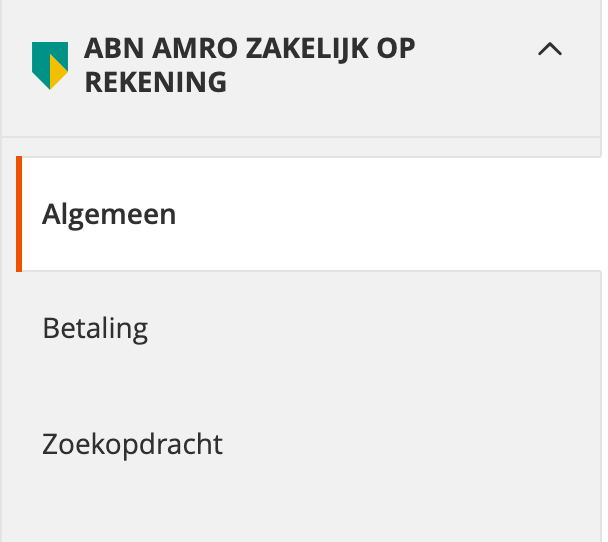
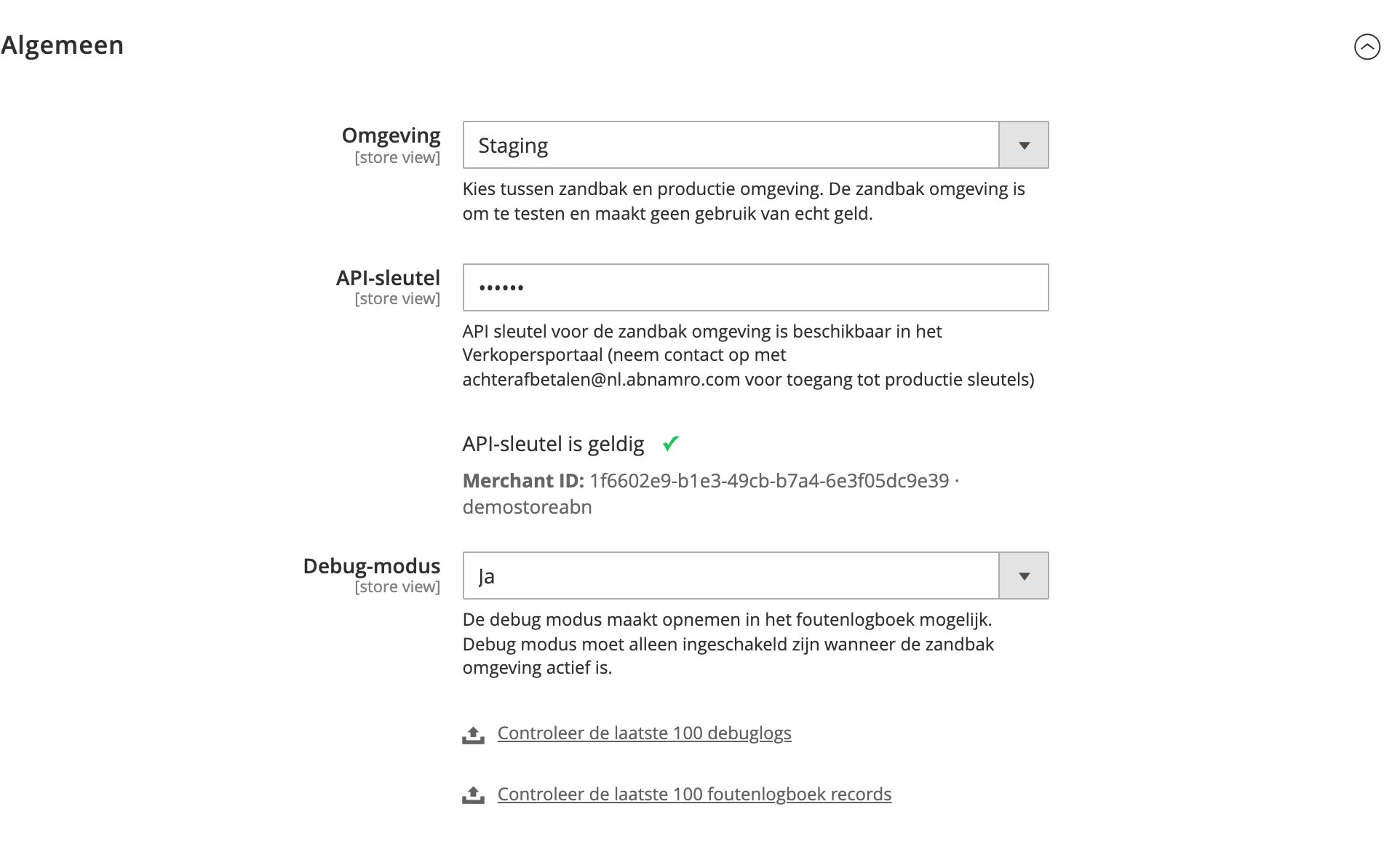
General Config Settings
| Field | Default | Description |
|---|---|---|
| Environment | Sandbox | Allows you to choose between the sandbox and production environments. The sandbox environment is exclusively for testing and does not involve any real funds unlike production. |
| Username | NA | Provided username that is required to use the plugin. |
| API key | NA | The API key is required to authorise the plugin. The sandbox API key can be found in your merchant portal after you have signed up. Your production keys can also later be accessed here. |
| Credentials | NA | Automated check to let you know if the credentials you are using are correct. |
| Debug Mode | Yes | The debug mode enables writing to the error logs. Debug mode should only be enabled when the sandbox environment is active. |
Payment Config Settings
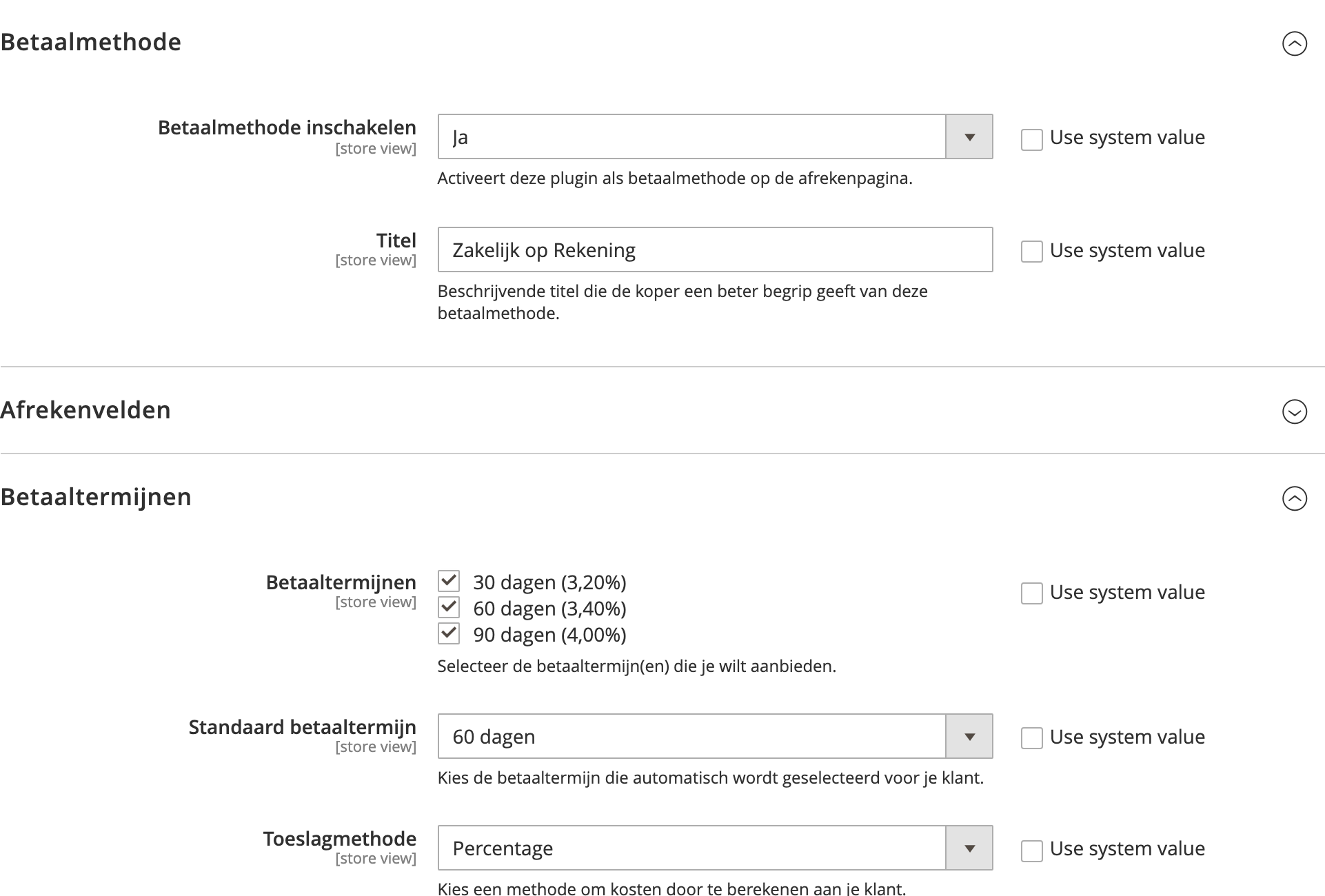
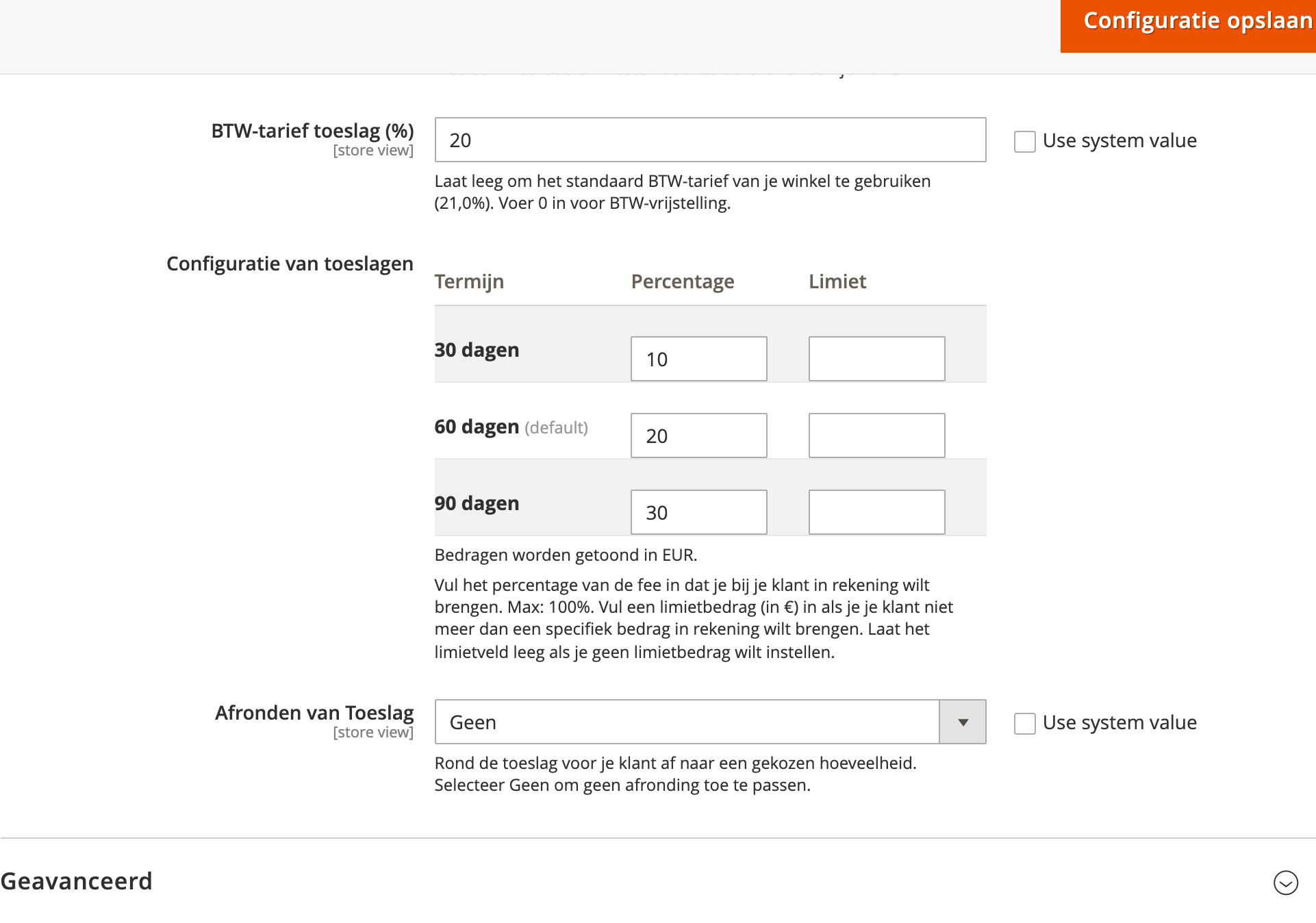
| Field | Default | Description |
|---|---|---|
| Enable payment method | No | Whether to show the payment option in the checkout page. |
| Title | Business invoice in 30 days | Descriptive title which gives the buyer a better understanding of the payment option. |
| Fulfilment Trigger | NA | Fulfilment can be triggered by either initializing shipping or submitting an invoice in Magento admin. Fulfilment is an internal order state used to define and track the order journey. |
| Sort Order | NA | The order in which the payment option appears. |
| Allow To Applicable Countries | NA | Enables the payment option only for specific countries. |
| Enable order intent | Yes | Perform a check during checkout to inform the buyer whether an order is likely to be accepted before being placed (recommended). |
| Enable tax subtotals | Yes | Add optional tax_subtotals metadata to order creation payload to enforce additional validation (recommended). |
| Add department field | On billing page | Optional field which enables the buyer to register the department the purchase is connected to. |
| Add order note field | Yes | Optional field which enables the buyer to register a note to the merchant. |
| Add project field | Yes | Optional field which enables the buyer to register the project the purchase is connected to. |
| Add PO number field | No | Optional field which enables the buyer to register their purchase order number. |
Search Config Settings
| Field | Default | Description |
|---|---|---|
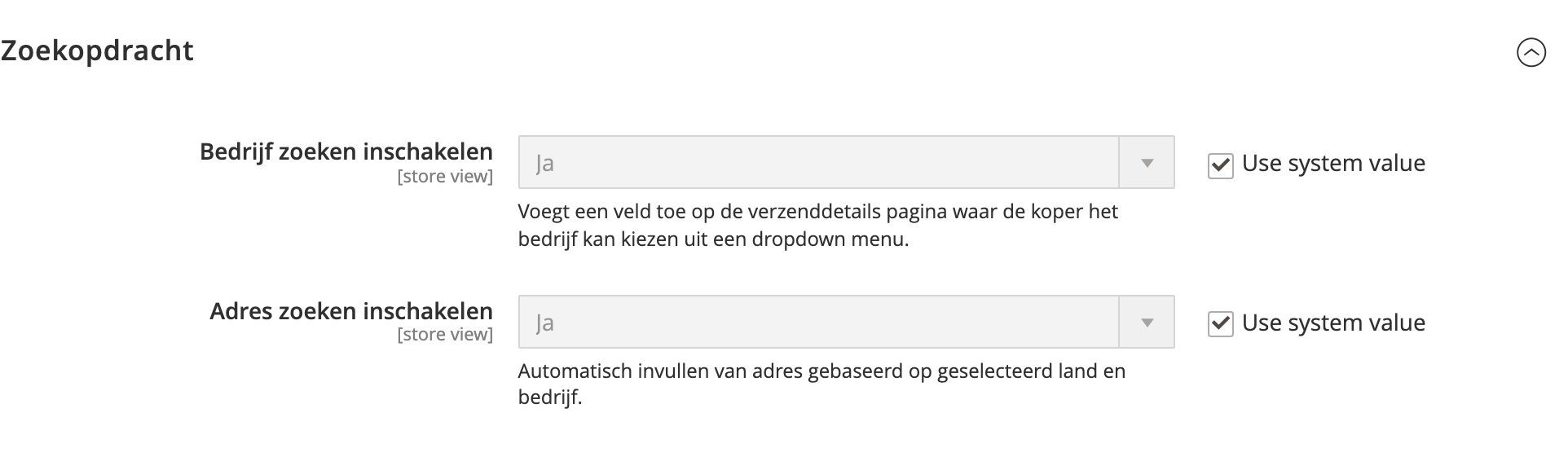
| Enable company search | Yes | Adds a searchable company name input field on shipping details page where the buyer can select their company from a dropdown menu. |
| Enable address search | Yes | Autocomplete address based on selected country and company. |
Complete & Apply Changes
In the Admin interface, navigate to System → Tools → Cache Management → Flush Cache.
Alternatively, run the following in the command line:
php bin/magento cache:flush
ABN AMRO Zakelijk op Rekening is now ready to use!
Checkout journey
Once the plugin is enabled, buyers can pay with Zakelijk op Rekening at checkout. The steps below show a typical business purchase.
-
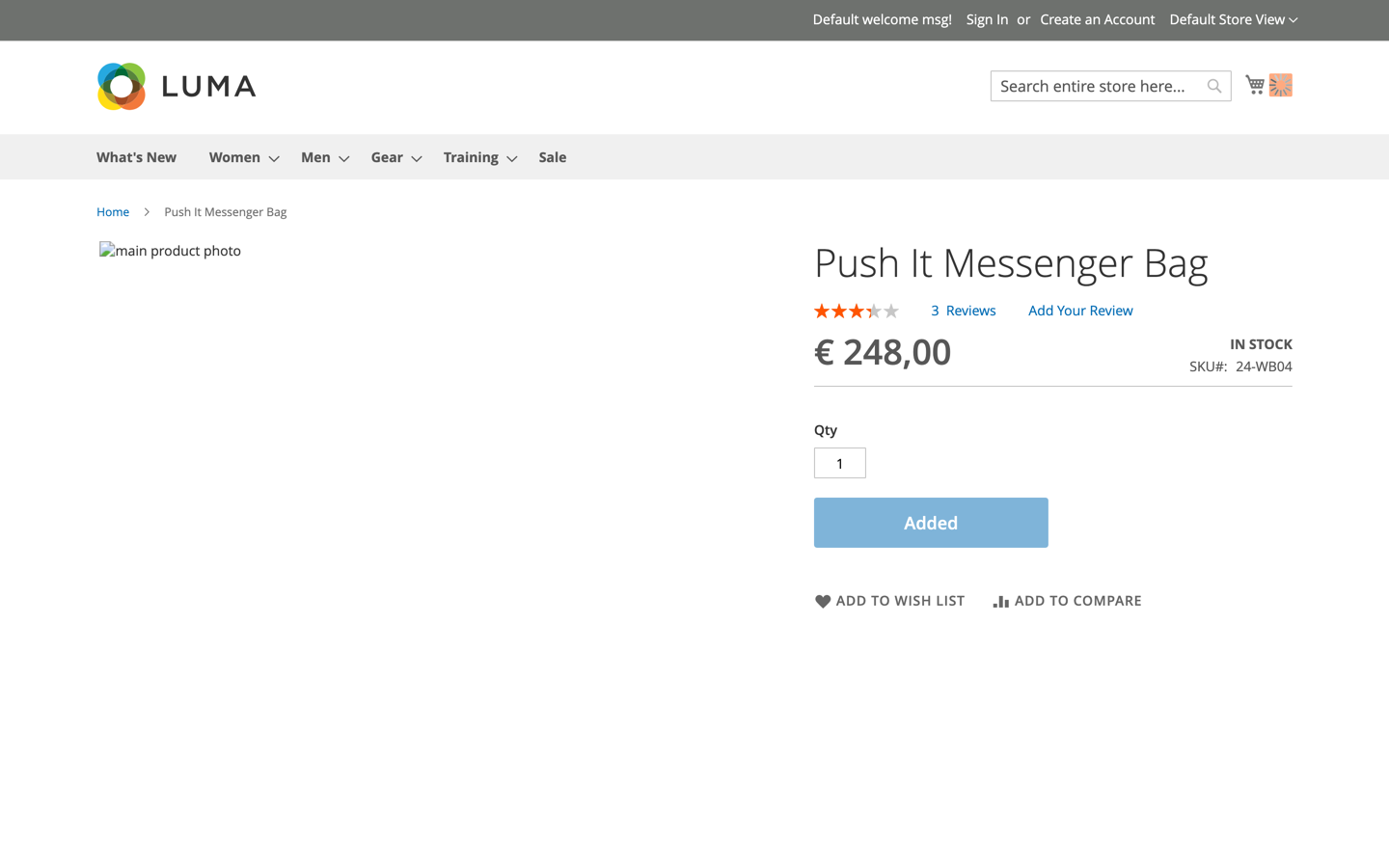
The buyer adds a product to their cart and proceeds to checkout.
-
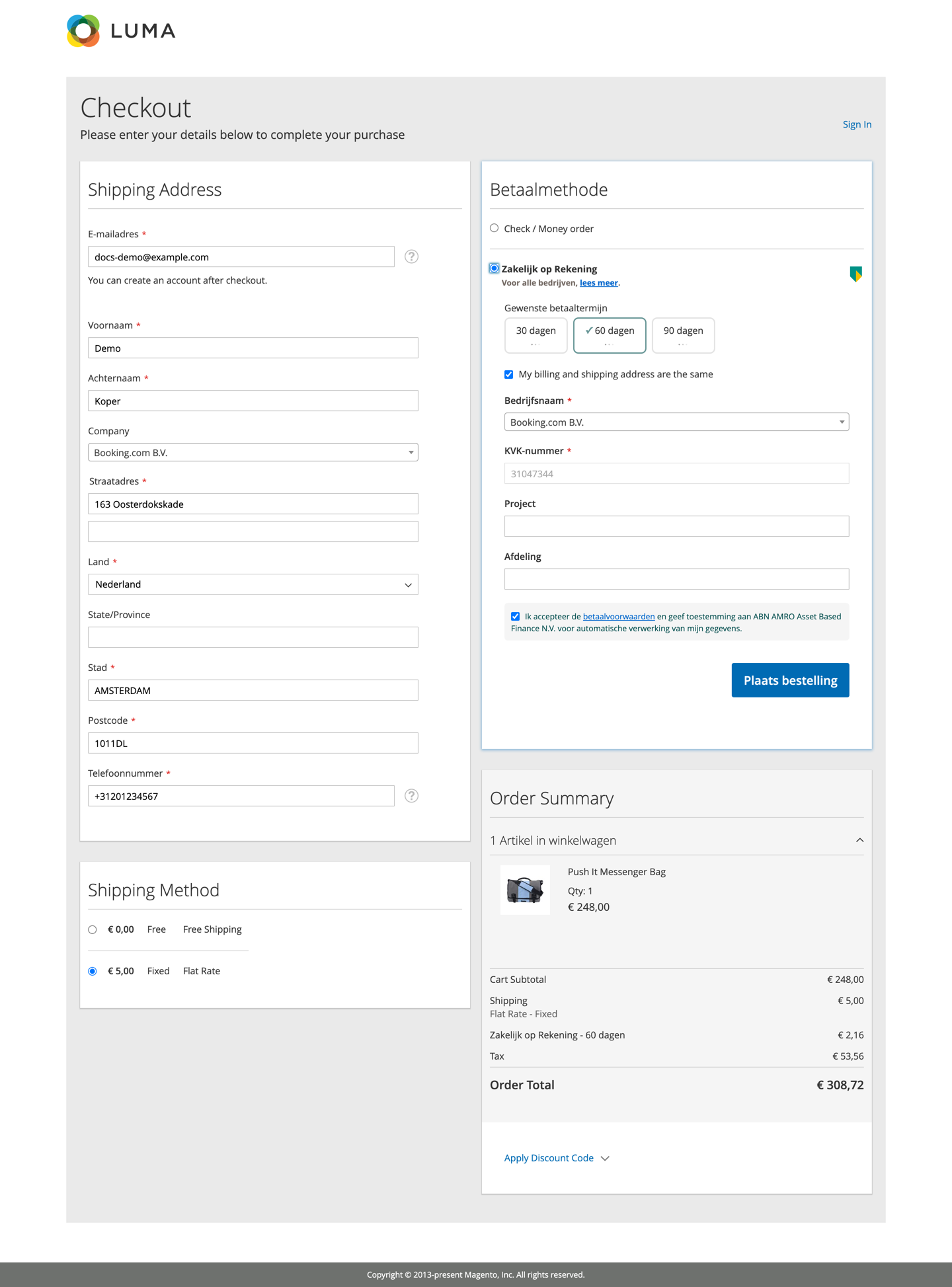
At checkout they select Zakelijk op Rekening, search for their company, pick a payment term (30, 60 or 90 days) and accept the payment terms.
-
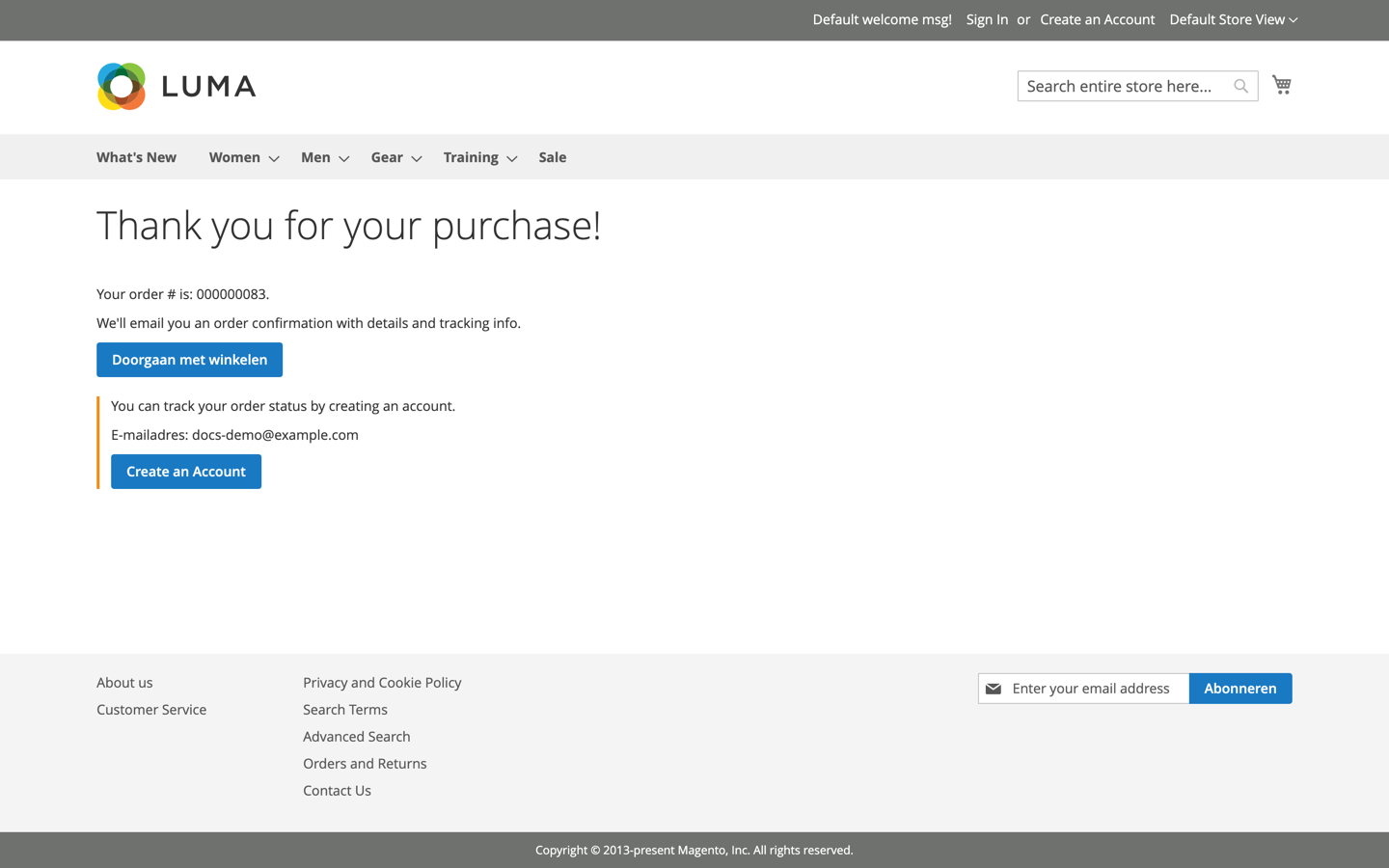
After placing the order, the buyer sees the order confirmation.
Need Help?
Contact us via email: integration@two.inc